
This report will give you the space available and department structure details, to access this follow the steps below:
On the report tab, click on the system reports option. There are 2 types of report here:
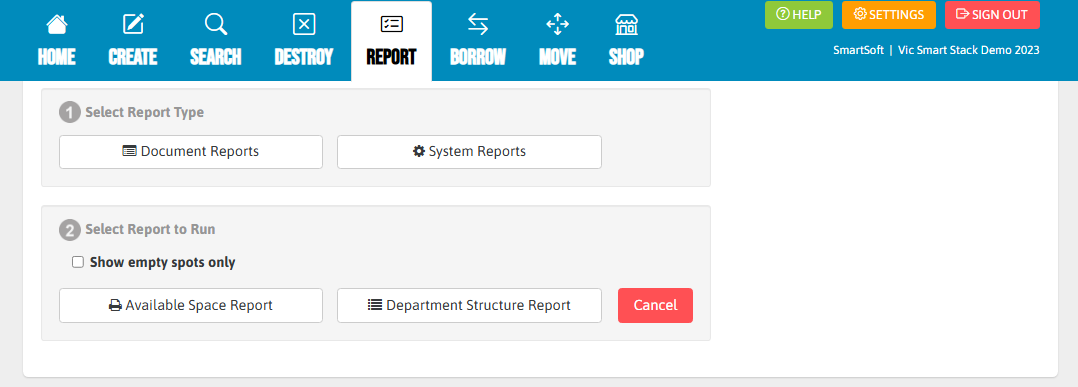
You have the option to check the box that states "Show empty spots only" which will create your chosen report but will only include boxes that are empty and ready to use.
Available Space Report which will give us an overview of how full/empty the system is.

Department Structure Report which will show us how is the system structured in terms of departments and what is the capacity of each department.

Hint: we suggest that when you starts archiving or are new to archiving at your school, you have a look at the department structure report as this will allow you to see all the different document types in different departments. This helps with understanding around how records are classified when you start archiving.